
Growblox Wiki logo: a grass dirt block with a gold gem next to the words Growblox Wiki

Growblox Worlds & Chat Commands

Last updated:
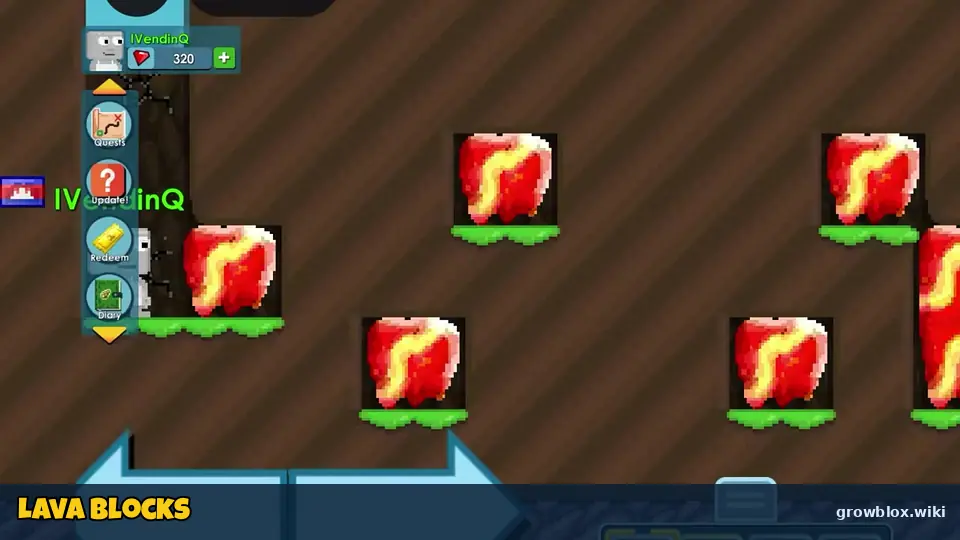
Red lava blocks scattered through a dark underground Growblox world
Lava blocks in an underground area. Image: YouTube gameplay frame by iVendingQ (Nov 4, 2026), cropped and labelled by growblox.wiki

Everything in Growblox happens inside worlds. Type a name to create a new one or join an active world from the list. Each Roblox server holds up to 100 players.

Joining or making a world

The world screen says "Hit Enter or click 'Enter World' to make this world!" Type any unused name to create a world. Below it you see Active Worlds with player counts, My Worlds and Recently Visited Worlds.
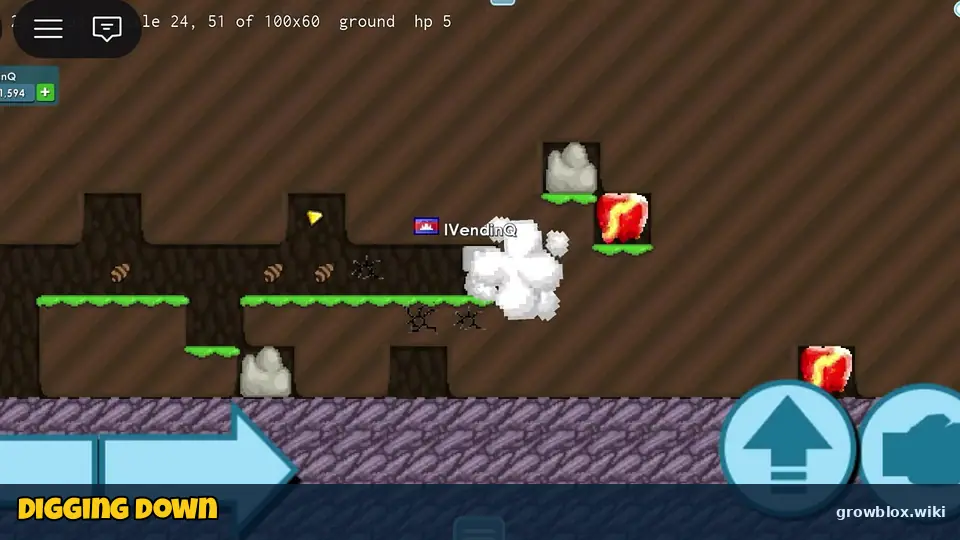
A Growblox player digging through dark cave blocks with lava
Digging down through cave blocks. Image: YouTube gameplay frame by iVendingQ (Nov 4, 2026), cropped and labelled by growblox.wiki
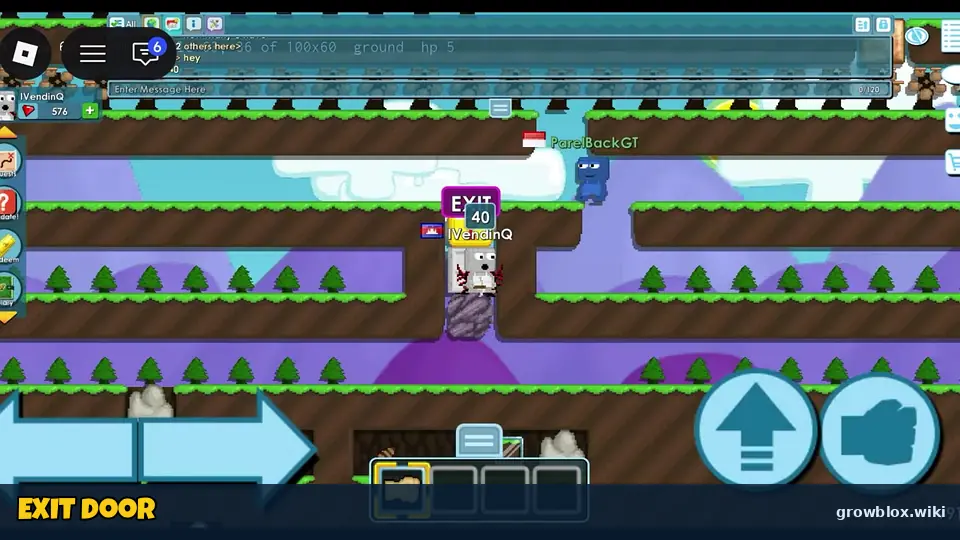
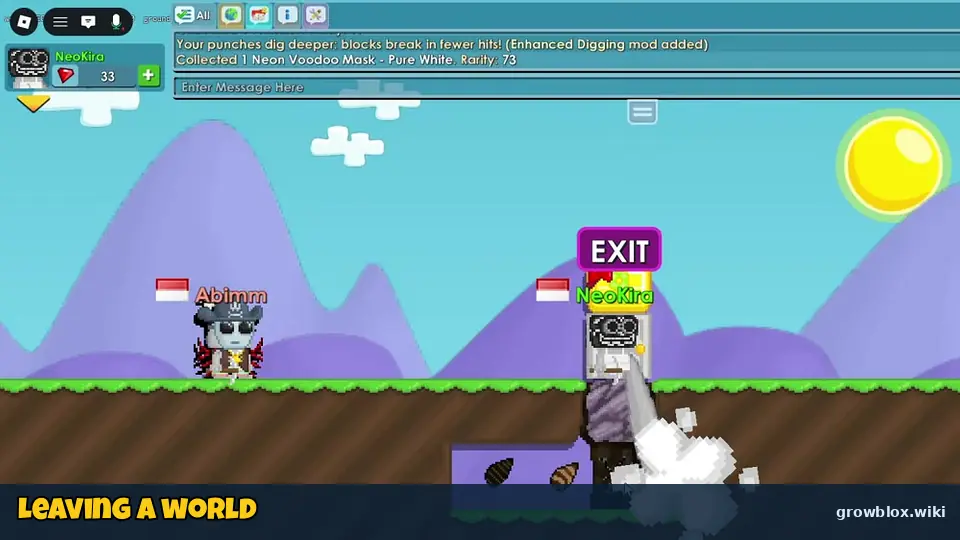
A Growblox player standing at the EXIT door of a parkour style world
The EXIT door takes you back to the world menu. Image: YouTube gameplay frame by iVendingQ (Nov 4, 2026), cropped and labelled by growblox.wiki

On Nov 3–4 the busiest worlds included INDONESIA (90), TOKOLAVA (90), BUYSEED (45), CARIKERJA (41), BUYSUGARCANE (31), BUYPICKAXE, BUYFARM, BUYWING and RENTJASA. Many players are from Indonesia, where Growtopia is very popular.
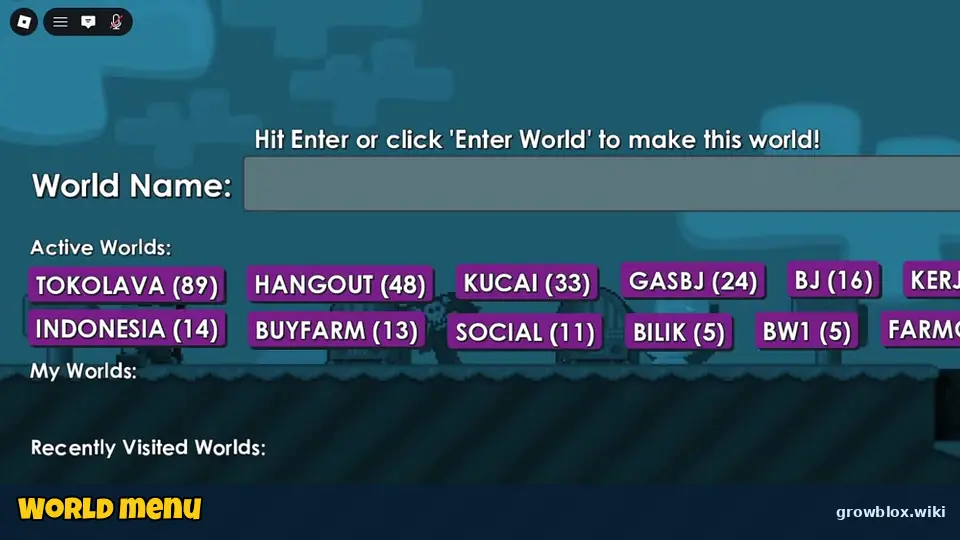
Growblox World Name screen listing active worlds with player counts
The world menu: type a name or pick an active world. Image: YouTube gameplay frame by NeoKira (Nov 3, 2026), cropped and labelled by growblox.wiki
A Growblox player walking into an EXIT door
Use the EXIT door or menu to leave a world. Image: YouTube gameplay frame by NeoKira (Nov 3, 2026), cropped and labelled by growblox.wiki

World size and layout

A world is 100 × 60 tiles. New worlds have grass, dirt and rock, with lava deeper down. Use the EXIT door or menu → Exit World to leave.
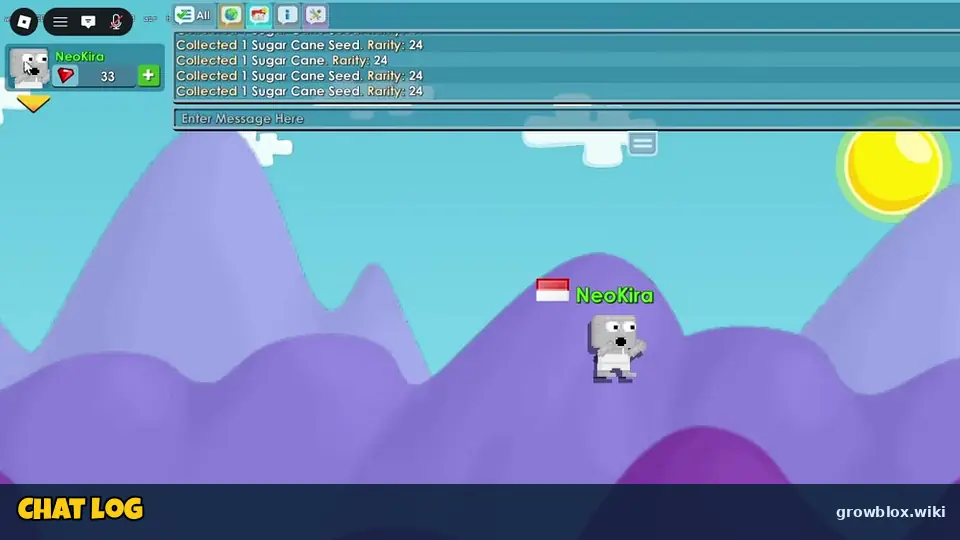
Growblox chat log at the top of the screen in a world
The chat log at the top. Image: YouTube gameplay frame by NeoKira (Nov 3, 2026), cropped and labelled by growblox.wiki
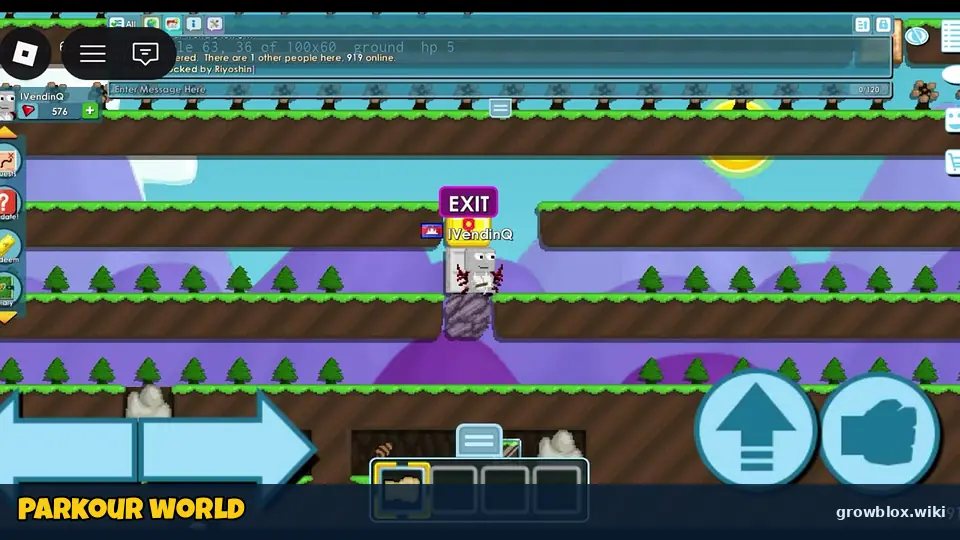
A parkour style world with platforms and an EXIT sign
Parkour worlds built by players. Image: YouTube gameplay frame by iVendingQ (Nov 4, 2026), cropped and labelled by growblox.wiki

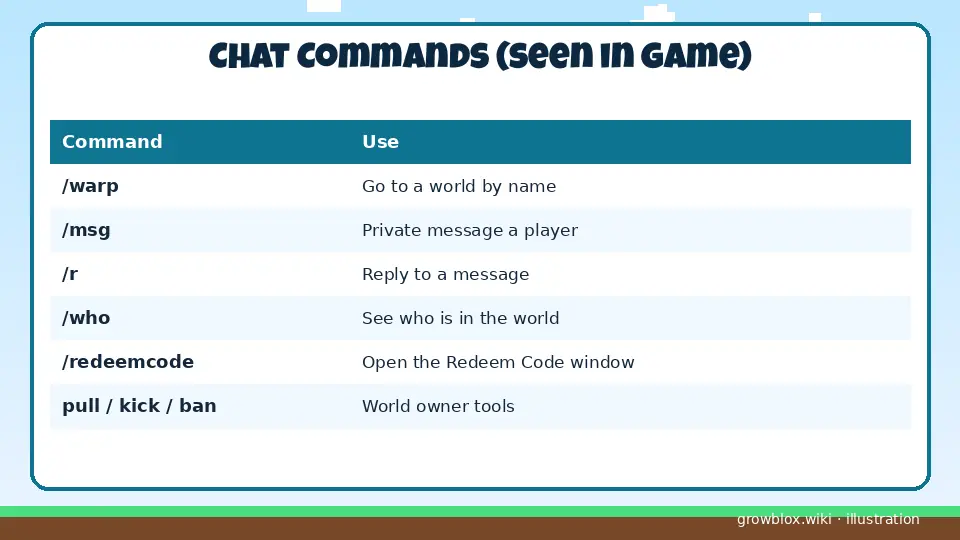
Chat commands

CommandWhat it does
/warpTravel to a world by name
/msgSend a private message
/rReply to the last message
/whoSee who is in the world
/redeemcodeOpen the Redeem Code window
pull / kick / ban / unbanWorld owner and admin tools

The in-game command list is longer; we will add the rest once we have confirmed each one (to be verified).
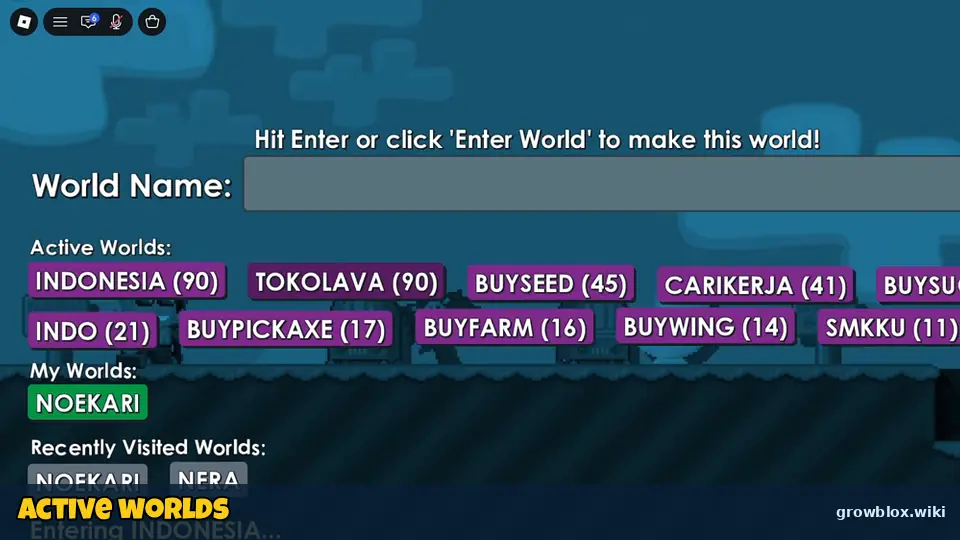
Growblox world list with INDONESIA, TOKOLAVA, BUYSEED and other active worlds
Active public worlds and player counts. Image: YouTube gameplay frame by NeoKira (Nov 4, 2026), cropped and labelled by growblox.wiki
Table of Growblox chat commands
Chat commands listed in the in-game help. Illustration by growblox.wiki, not an in-game screenshot

Social Portal

The Social Portal has Show Friends, Create Guild, Trade History and Daily Challenge.

Sources: stats come from the official Roblox game page and public Roblox APIs (checked November 5, 2026, ~6:35 PM PKT). Menus, quests and shop prices come from gameplay videos by iVendingQ (Nov 4) and NeoKira (Nov 3 and Nov 4, 2026). Codes were cross-checked against several code trackers on November 4–5, 2026. Anything we could not confirm is labelled to be verified.
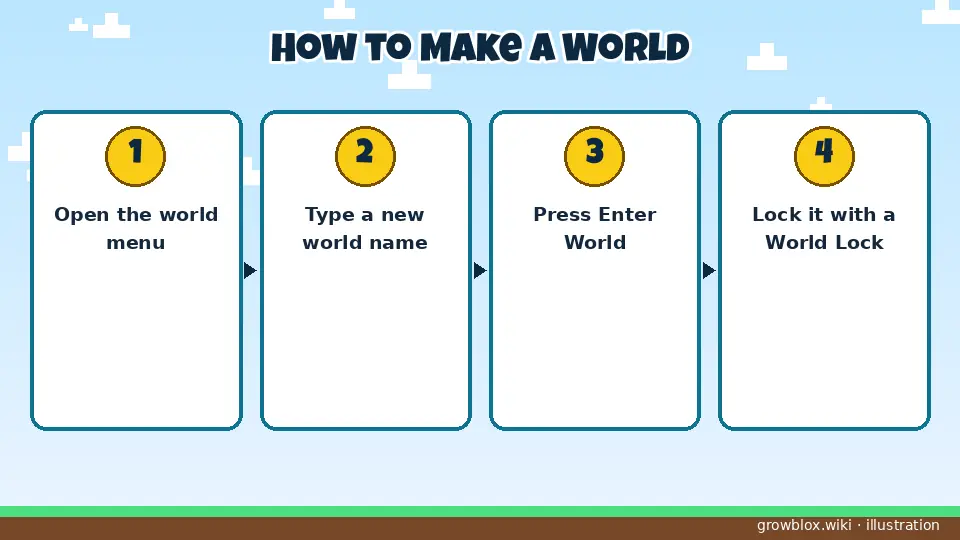
Steps to create your own world in Growblox
Making your own world. Illustration by growblox.wiki, not an in-game screenshot

Growblox Worlds & Chat Commands – FAQ