Growblox Beginner's Guide: How to Play
Last updated:
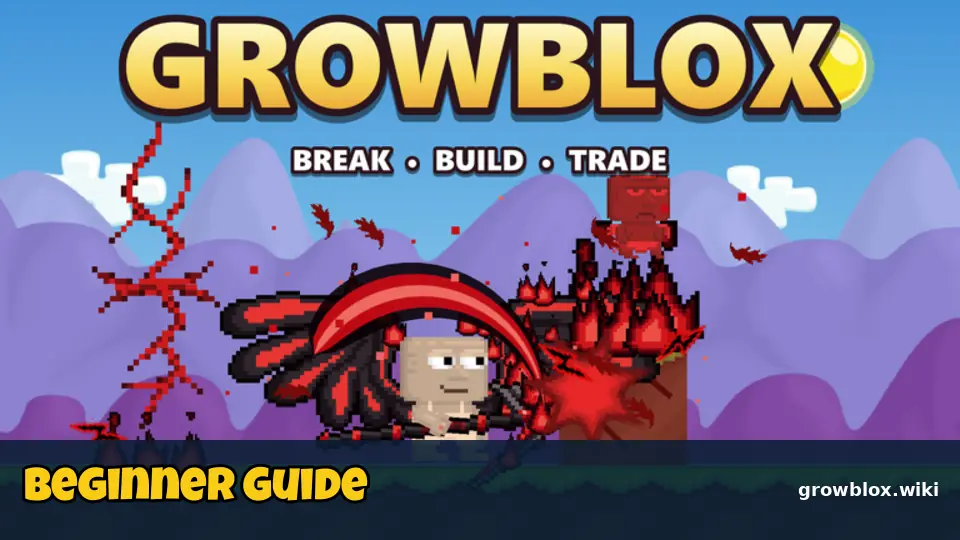
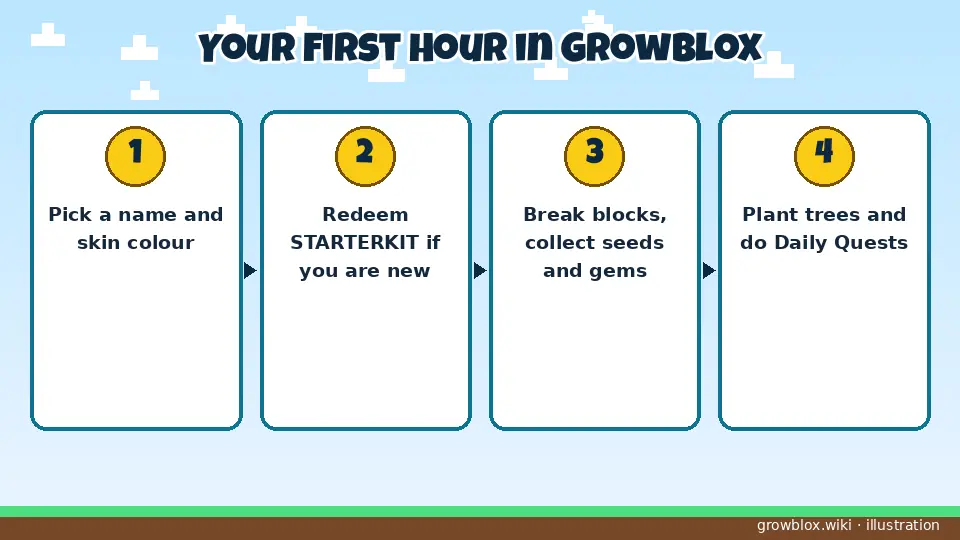
Growblox is a Growtopia-style sandbox on Roblox: you break blocks to collect seeds and gems, build your own world, and trade with other players. This guide covers your first hour, from picking a skin colour to locking your first world.
Step 1: First-time setup
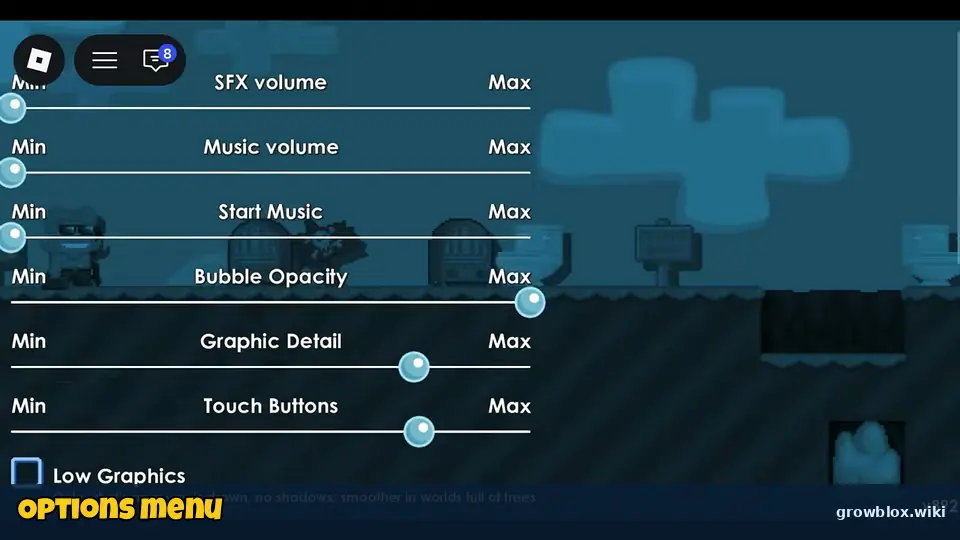
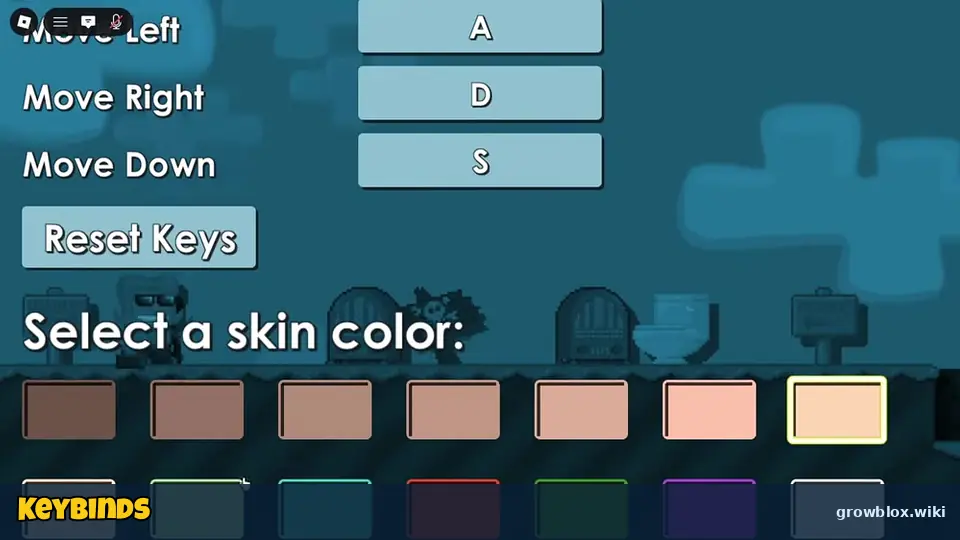
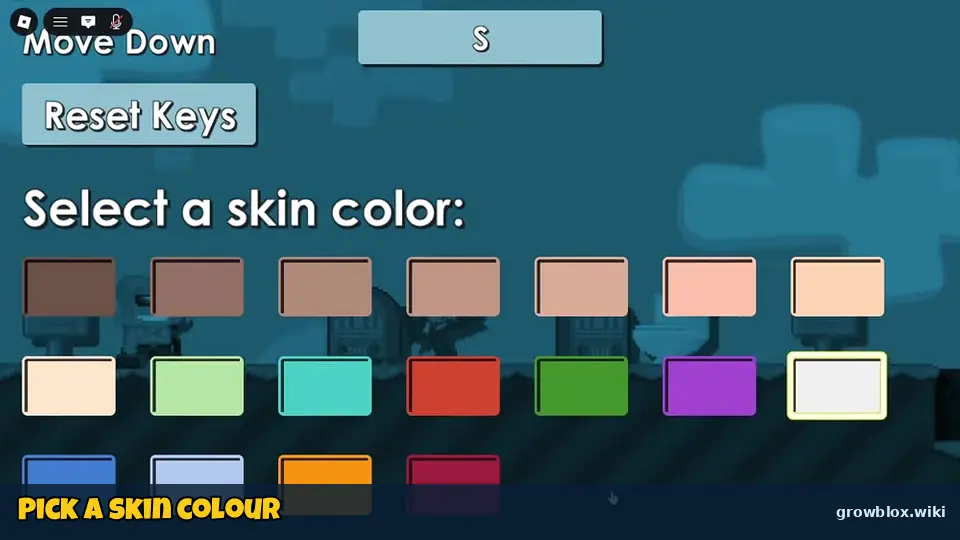
When you join for the first time you choose a name and a skin colour, and you can check the keybinds (Punch, Jump, Move Left, Move Right, Move Down). Every key can be changed later, and there is a Reset Keys button. The Options menu also has sliders for SFX, music, bubble opacity, graphic detail and touch buttons, plus a Low Graphics option that helps older phones.
Step 2: Learn the controls
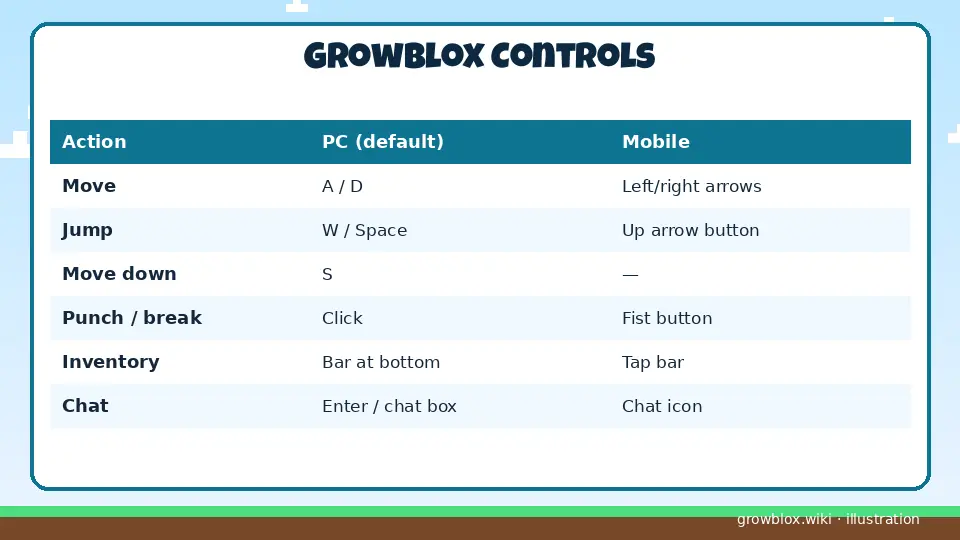
| Action | PC | Mobile |
|---|---|---|
| Move | Left / right keys (rebindable) | Arrow buttons |
| Jump | Jump key | Up-arrow button |
| Punch / break / harvest | Punch key or click | Fist button |
| Choose item | Bar at the bottom | Tap the bar |
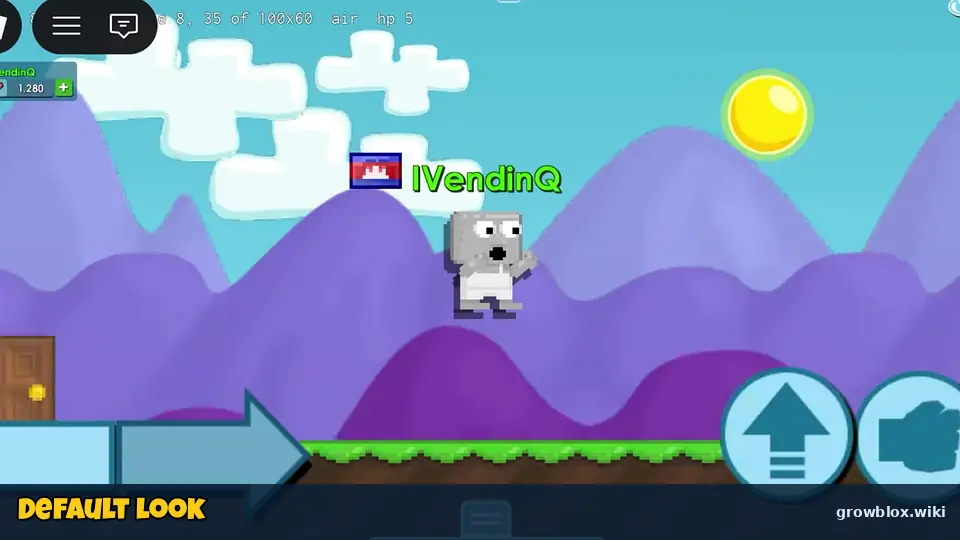
| Menu | Menu icon top-left | Menu icon |
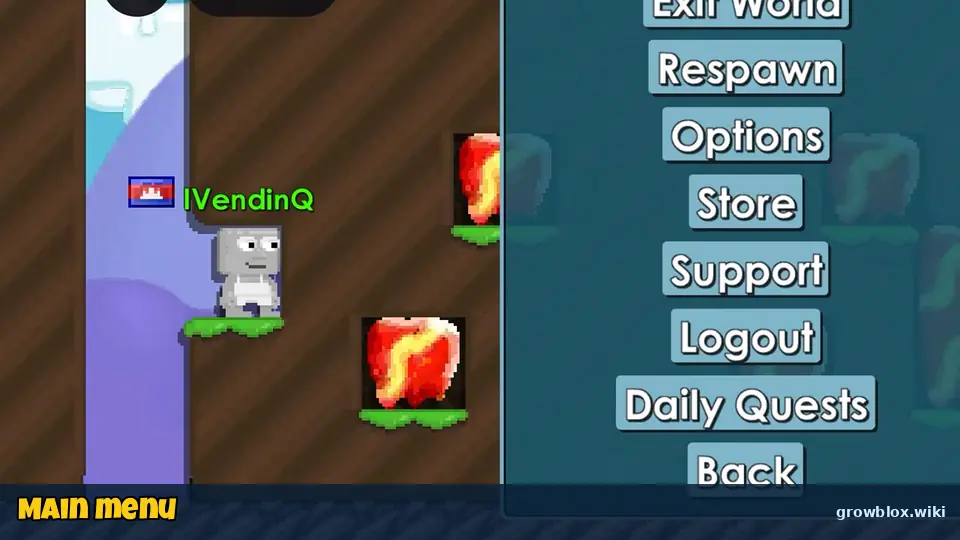
The main menu holds Exit World, Respawn, Options, Store, Support, Logout and Daily Quests.
Step 3: Redeem STARTERKIT
If your account is new and at least 30 days old, redeem STARTERKIT for free seeds and blocks. Full list on the codes page.
Step 4: Break blocks, collect seeds
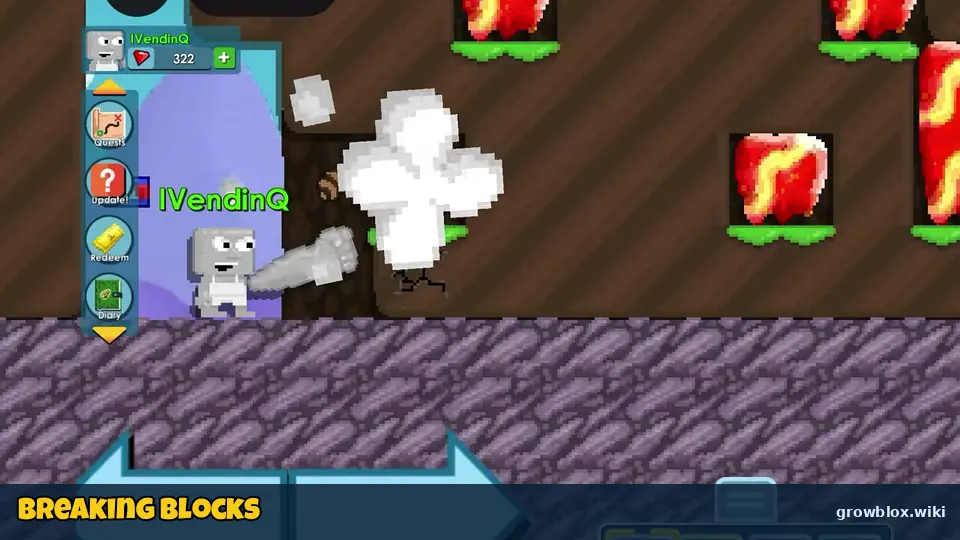
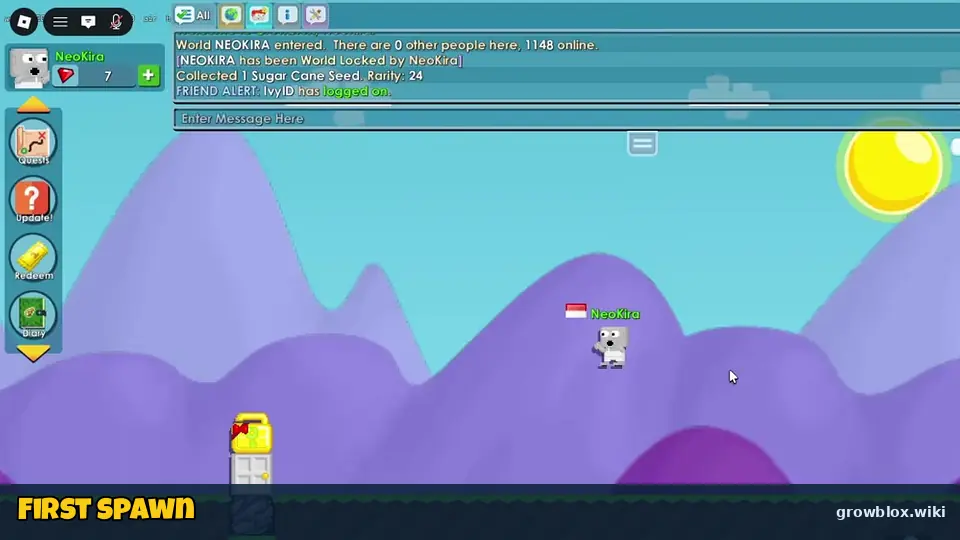
Punch a block a few times and it breaks into a puff of dust, sometimes dropping a seed or gems. Seeds have a rarity number (a Rock Seed is rarity 1, a Wood Block is rarity 2, a Sugar Cane Seed is 24). Higher rarity means slower trees but more valuable drops. When a stack is full you will see "(item maxed)".
Step 5: Plant and harvest trees
Plant a seed on a tile and a tree grows. Hover or tap it to see the timer, for example "Grass Tree – 13 secs to harvest" or "Sugar Cane Tree – 2 hours, 25 mins". When it says Punch to harvest!, punch it to collect blocks and seeds. This is the core loop explained in the farming guide.
Step 6: Do your Daily Quests
Open Daily Quests from the menu. Quests such as "Splice 3 seeds" (250 gems) and "Harvest 10 trees of rarity 30 or more" (1,500 gems) are the best early gem income. See Daily Quests.
Step 7: Lock your world
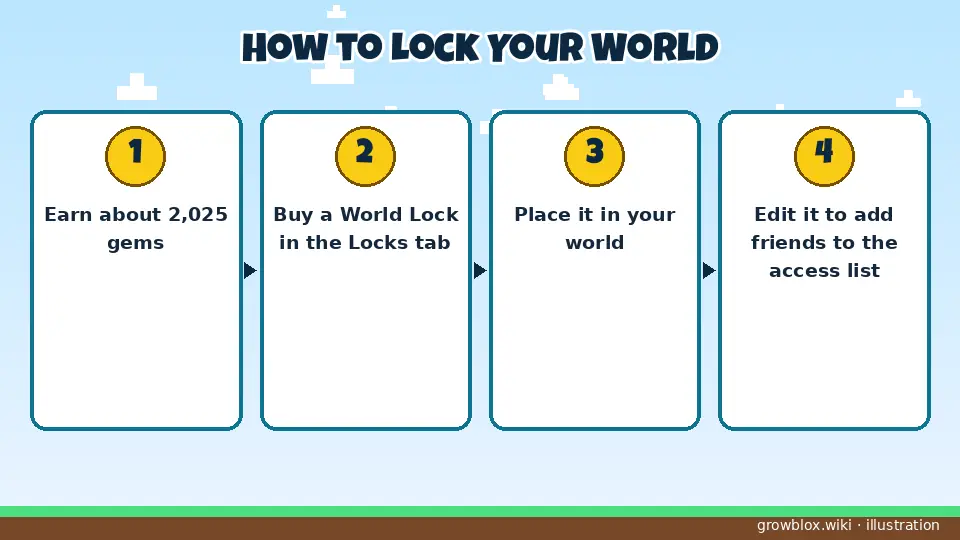
Save about 2,025 gems for a World Lock so nobody else can break or build in your world. Smaller Small, Big and Huge Locks (100–550 gems) protect just an area. See World Locks.
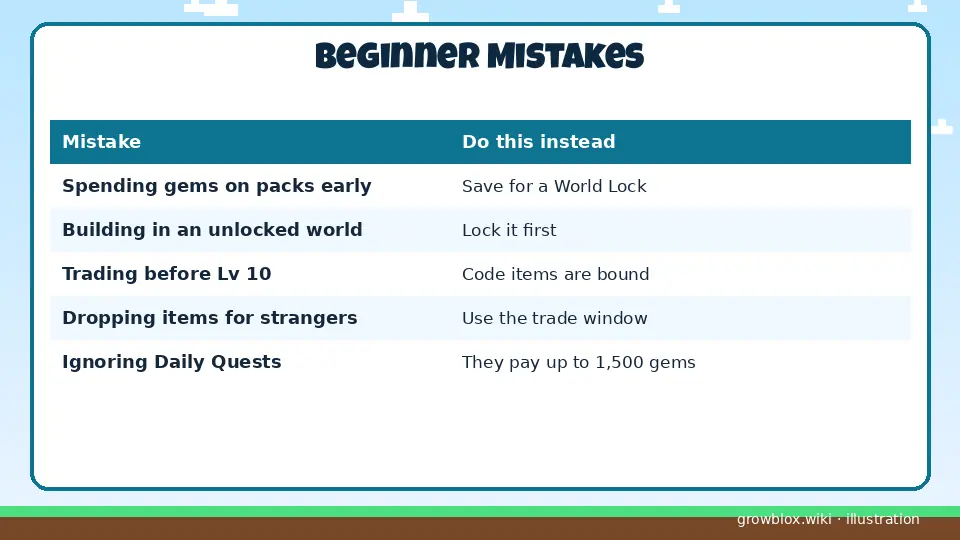
Mistakes new players make
- Spending gems on seed packs before you own a World Lock.
- Building in an unlocked world where anyone can break it.
- Trying to trade code items before level 10.
- Dropping items for strangers who promise to "trade back".
Sources: stats come from the official Roblox game page and public Roblox APIs (checked November 5, 2026, ~6:35 PM PKT). Menus, quests and shop prices come from gameplay videos by iVendingQ (Nov 4) and NeoKira (Nov 3 and Nov 4, 2026). Codes were cross-checked against several code trackers on November 4–5, 2026. Anything we could not confirm is labelled to be verified.
Video guide
Growblox Beginner's Guide: How to Play – FAQ
Is Growblox like Growtopia?
Yes. The game description is "Just a normal day playing Growtopia..", and it uses the same break, build and trade loop with seeds, trees, splicing and World Locks, inside Roblox.
Can you play Growblox on mobile?
Yes. It has on-screen arrow, jump and punch buttons, and an option to change the size of touch buttons.
What should I buy first in Growblox?
A World Lock (about 2,025 gems). It protects your world so other players cannot break your farm.